Vinted Alert: Get notified the moment a new listing goes live!
Vinted doesn't offer a built-in alert system for saved searches.
However, you can create a Vinted alert using a third-party service: Souk.
Souk is a service that lets you create instant Vinted alerts for your saved searches.
The app notifies you by email or mobile push notification the moment a new listing matching your search goes live.
That way, you're the first to know when a new item is posted on the platform, and you can buy on Vinted before anyone else.
In this article, we'll walk you through how to create an instant Vinted alert and cover the notifications that Vinted itself offers.
Create a Vinted Alert for a Saved Search
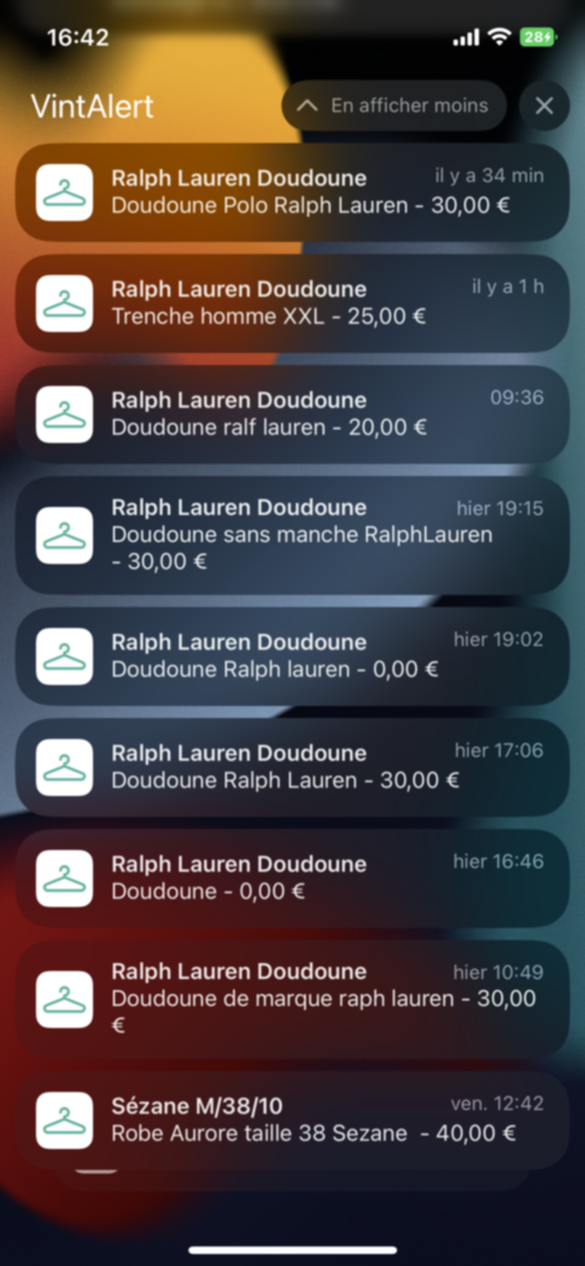
Souk uses a Vinted bot to monitor your searches and send you a real-time notification the moment a new listing is published. Here's how to get the Vinted bot sending you notifications:
- Go to souk.to and download the Souk app on your phone.
- Sign up on the app.
- Tap "Add a new alert".
- Set your search filters: Category, Brands, Sizes, Colours, Condition, Price, and Keywords.
- Choose how you want to be notified: email, mobile push, or both.
- Select the notification frequency: instant or daily.
- That's it! You'll receive a notification whenever a new listing matching your search goes live.
You'll always be the first to snap up the item you're looking for.
Time to find those rare pieces and great deals!
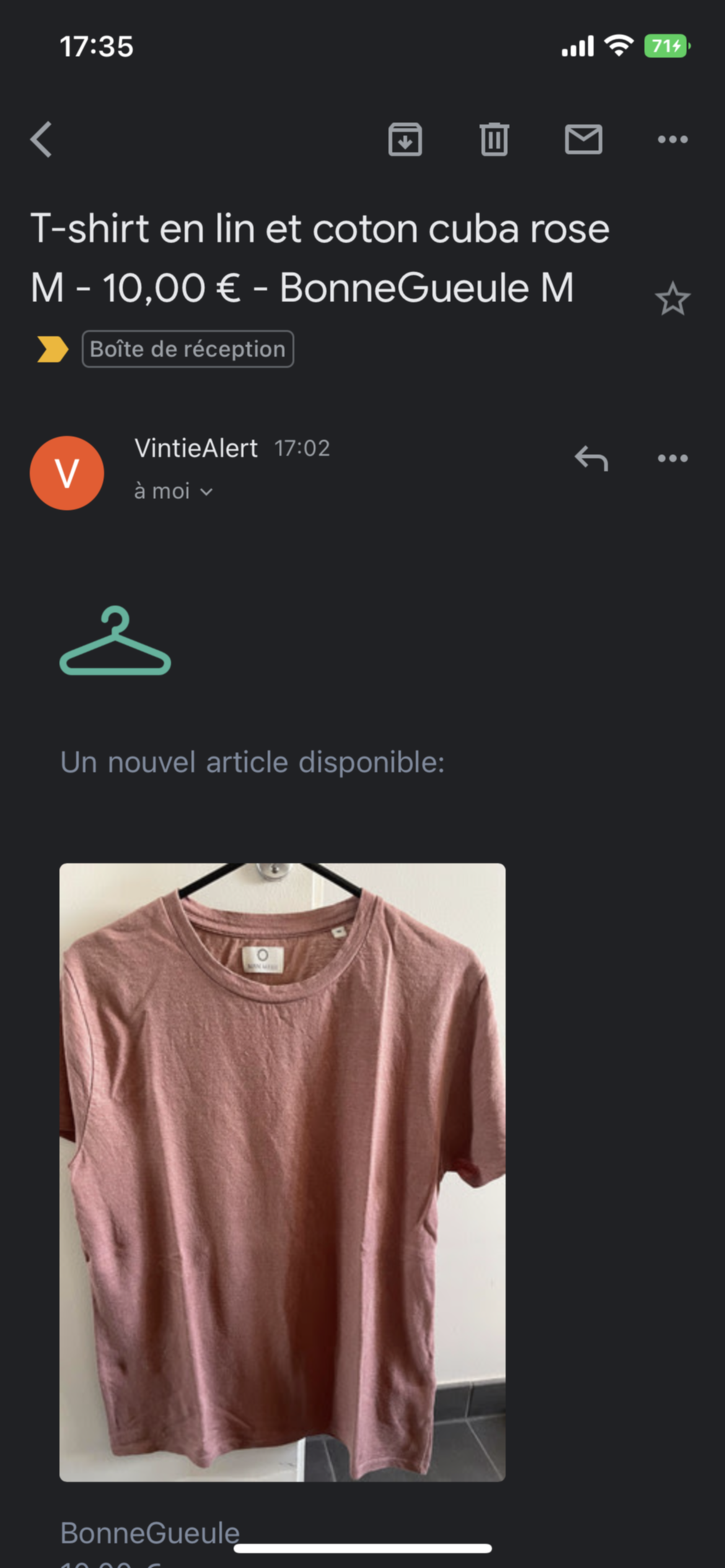
Notifications offered by Vinted
1. Price drop notification on a favourited item
If you favourite an item by tapping the heart icon, Vinted will send you a notification or email if the seller drops the price.
"Item XXX has been reduced to £10.00." This is a handy trick for sellers when lots of Vinties have favourited their listing.
You can drop your price by as little as £1 and all those buyers will receive an email or push notification, nudging them to buy your item.
As a buyer, bear in mind that when you receive this notification, every other buyer who favourited the item gets it too.
If the price drop is significant, you'd better act fast before someone else does!
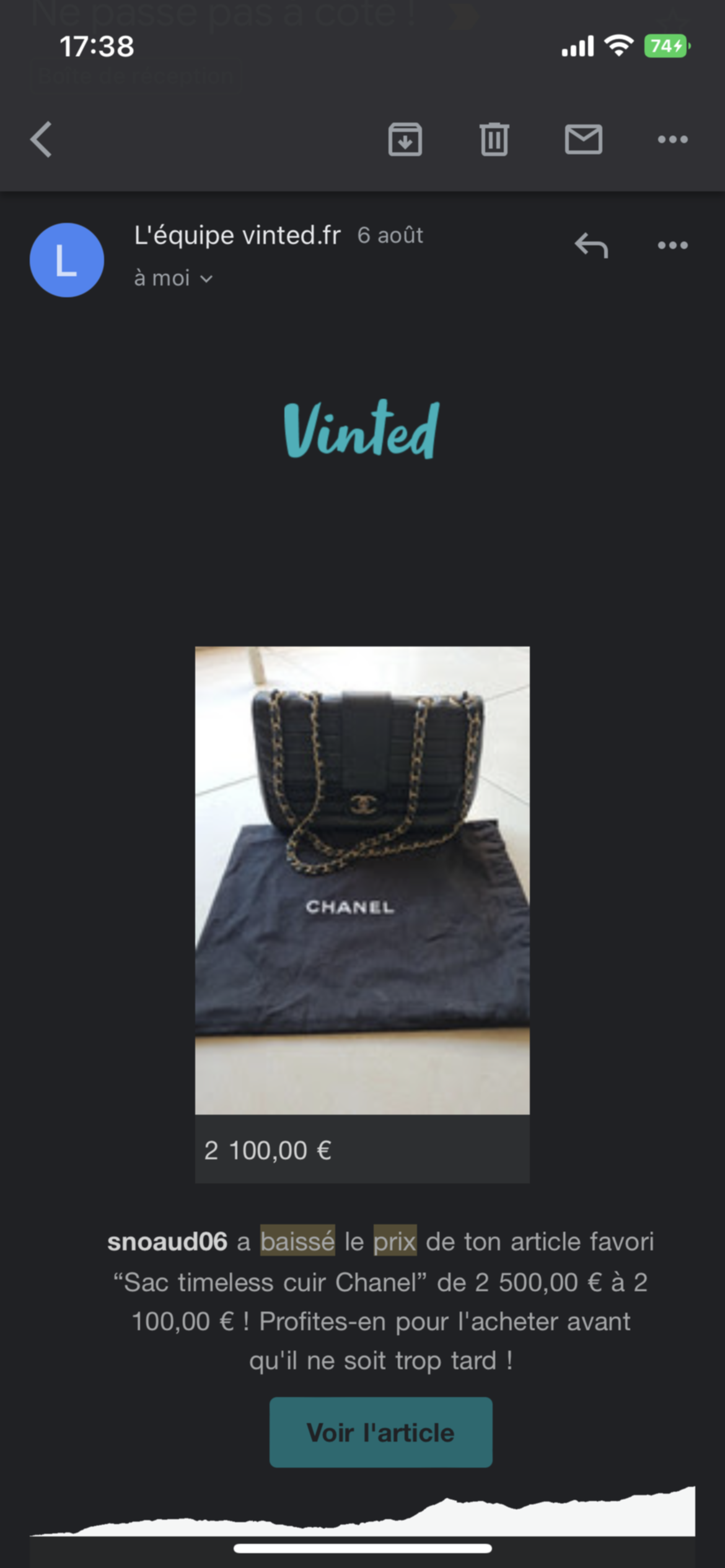
2. Sold notification on a favourited item
If you favourite an item, you'll get a notification when it sells.
Unfortunately, this isn't exactly good news!
If you favourited something, it's because you liked it and were thinking about buying it.
Once it's sold, it's gone, and that's a shame!
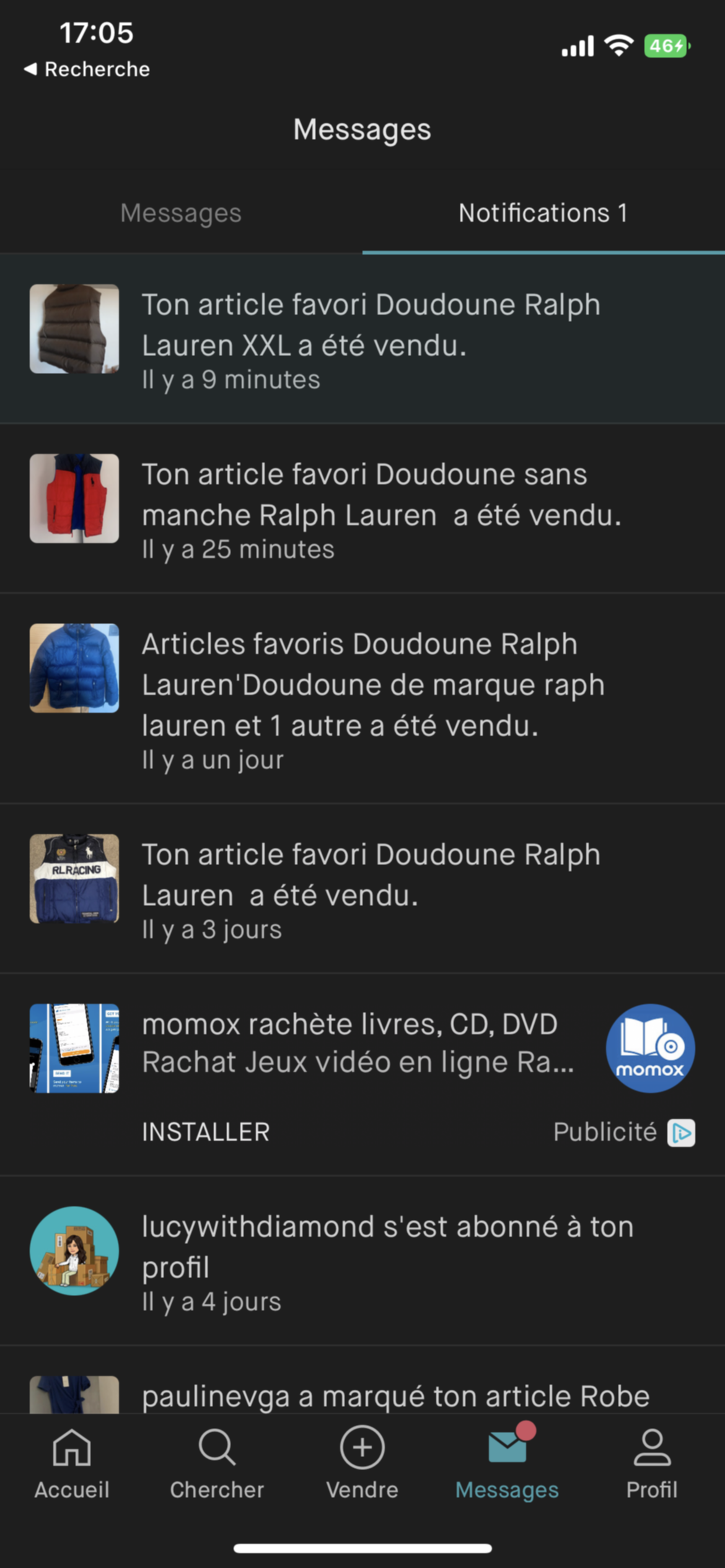
3. New listing notification from a followed profile
If you follow a profile, you'll receive a mobile push notification whenever they post a new listing.
This is exactly why many Vinties try to grow their follower count as much as possible.
It's a great way to promote your listings and sell more quickly.
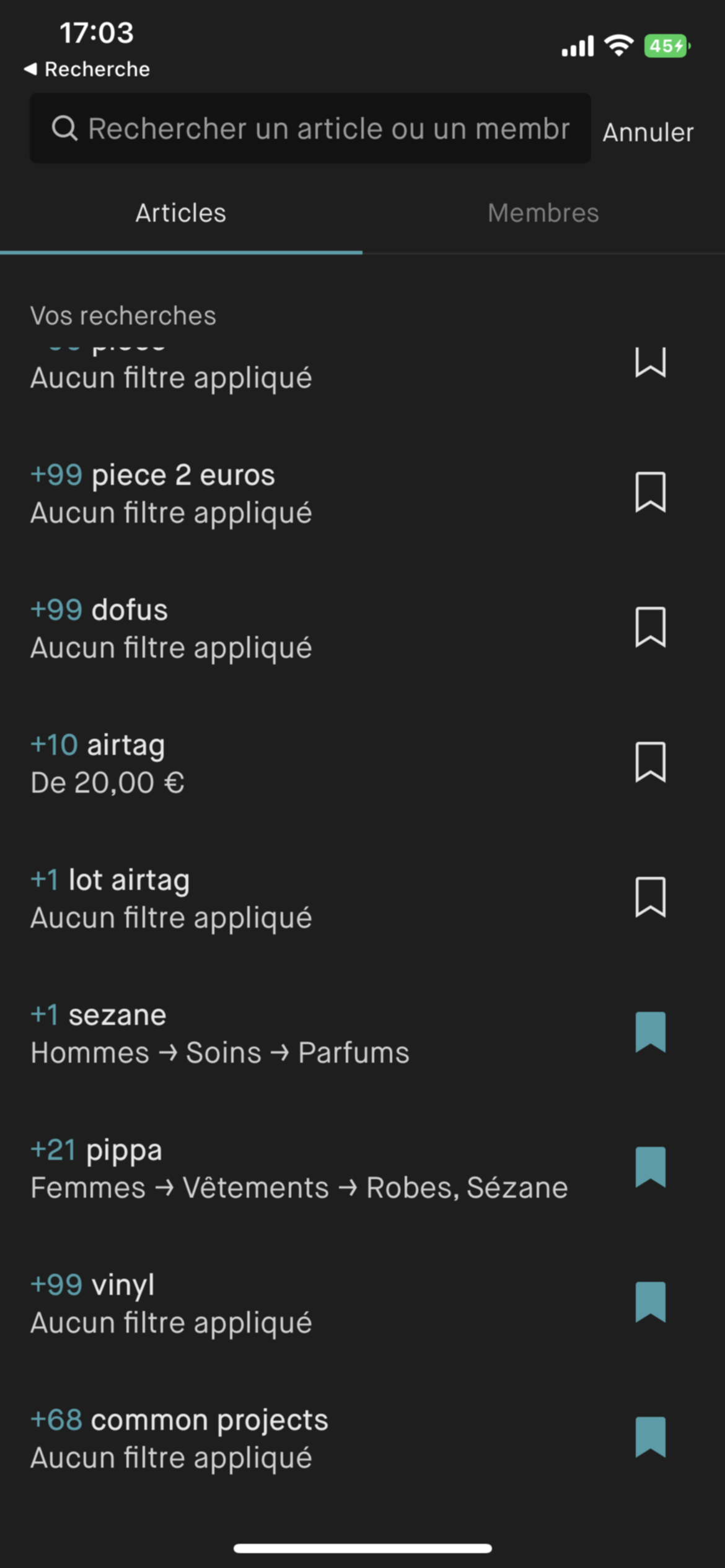
4. Alert on a saved search
To save a search, tap the bookmark icon in the top right corner of the search results page.
You won't receive an email or push notification when a new listing matches that search.
To find your saved searches, tap the search bar, don't type anything, and scroll all the way down.
If new items have been listed since your last visit to that search, a badge showing the number of new listings will appear.
5. Other notifications offered by Vinted:
Vinted offers a range of other email and push notifications. Here is the full list of available email notifications:
-
Vinted news
-
Marketing communications
-
New messages
-
New reviews
-
Favourited items on sale
-
Favourited items
-
New followers
-
New listings from members you follow
-
New mentions
-
Replies from the Vinted team on the forum
And here are the available mobile push notification settings:
-
New messages
-
New reviews
-
Favourited items on sale
-
Favourited items
-
Favourited item sold
-
New followers
-
New listings from members you follow
-
Catalogue updates
-
New mentions
-
Replies from the Vinted team on the forum
As you can see, some notifications are only available via push:
- Favourited item sold
- Catalogue updates
To manage your notification settings, open the app and go to:
- Profile, bottom right
- Settings
- Notifications: choose Push Notifications or Email Notifications
- Then select which notifications you'd like to receive.
You can also set a maximum number of notifications per day: One, 2, 5, 10, 20, or no limit. The default setting is "no limit".