Vinted Close Up: A Short Video to Showcase Items Being Worn
Vinted is currently testing a TikTok-style short video feature to give listings a better showcase.
Vinties can record a 15-second video of themselves wearing or modelling the item.
Close Ups are then featured on the home page of the Vinted app.
This feature was available as a test in the United Kingdom from 8 to 14 November.
The amount of time Vinted users spend on the app is so significant that Vinted is starting to feel almost like a media platform in its own right, not unlike Instagram.
It's easy to imagine how a Stories-style feature could drive even greater engagement within the app, and potentially open up new opportunities for video advertising on Vinted.
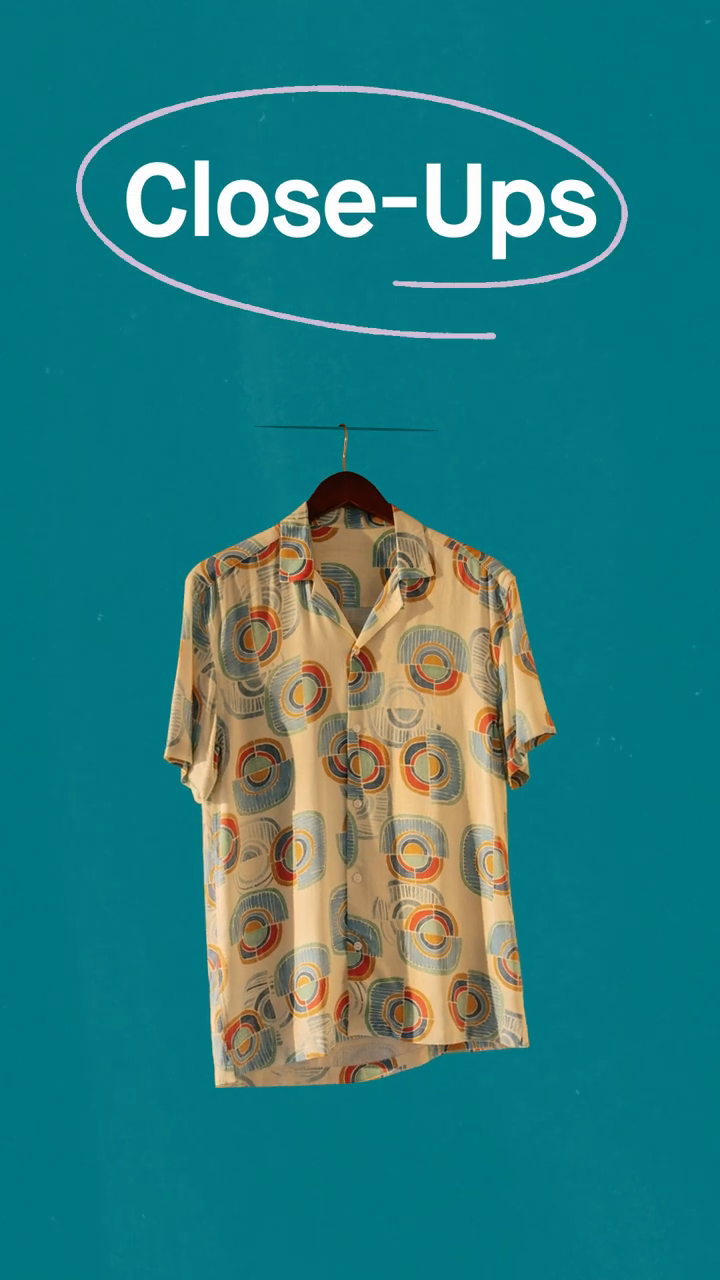
Vinted Close Up: How Does It Work?
To record a Close Up video, head to the "My items" tab and tap on the listing you'd like to showcase.
Then tap the "Add a Close Up" button and record a video of up to 15 seconds.
Upload your Close Up video and submit it for review.
Close Ups that best highlight the item and its key features will be given priority.
You can only upload one video per listing.
While your video is being processed, the listing will be temporarily hidden.
Once approved, the video is published on the Vinted app's home page.
How Do You Add a Close Up to a Vinted Listing?
To record a Close Up video, head to the "My items" tab and tap on the listing you'd like to showcase.
Then tap the "Record a video" button and record a video of up to 15 seconds.
The video is then published on the Vinted app's home page.

According to Vinted, the recommendations for publishing a Close Up are:
- Film in portrait mode
- Keep the video to a maximum of 15 seconds
- Be authentic: avoid filters and editing
- Make sure the item's details are clearly visible
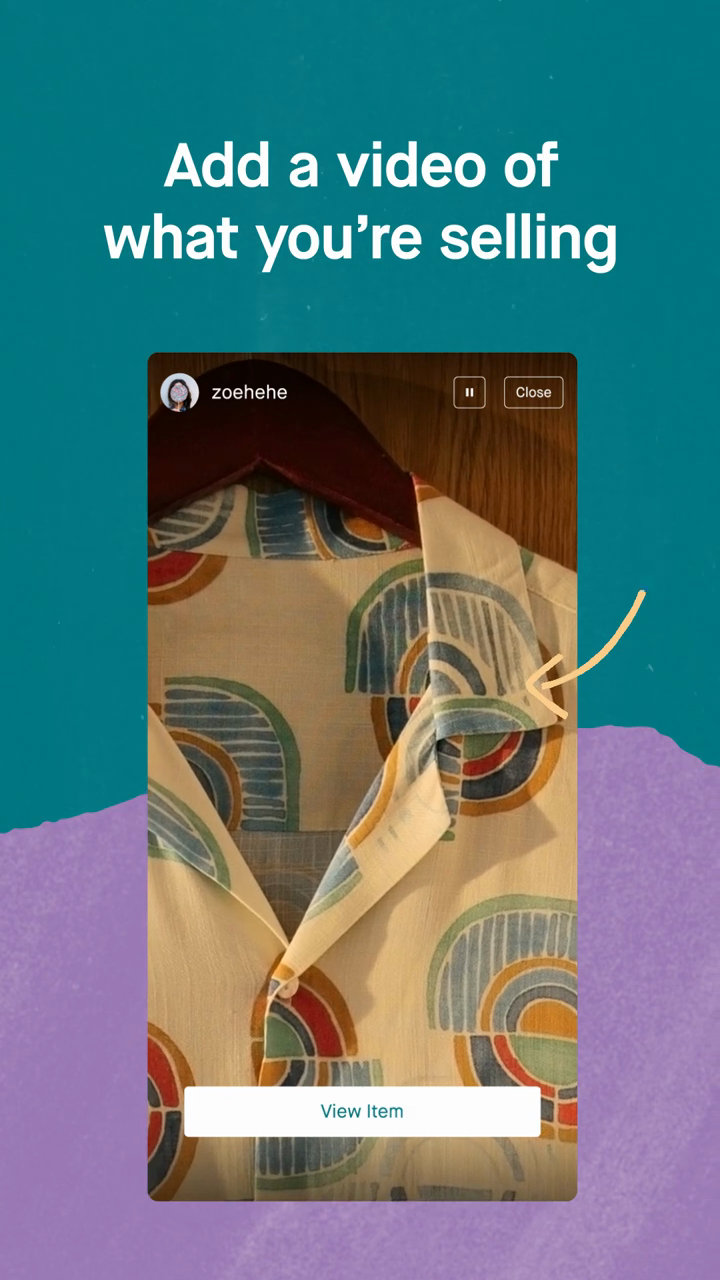

Vinted Close Up: The video must be filmed in portrait mode
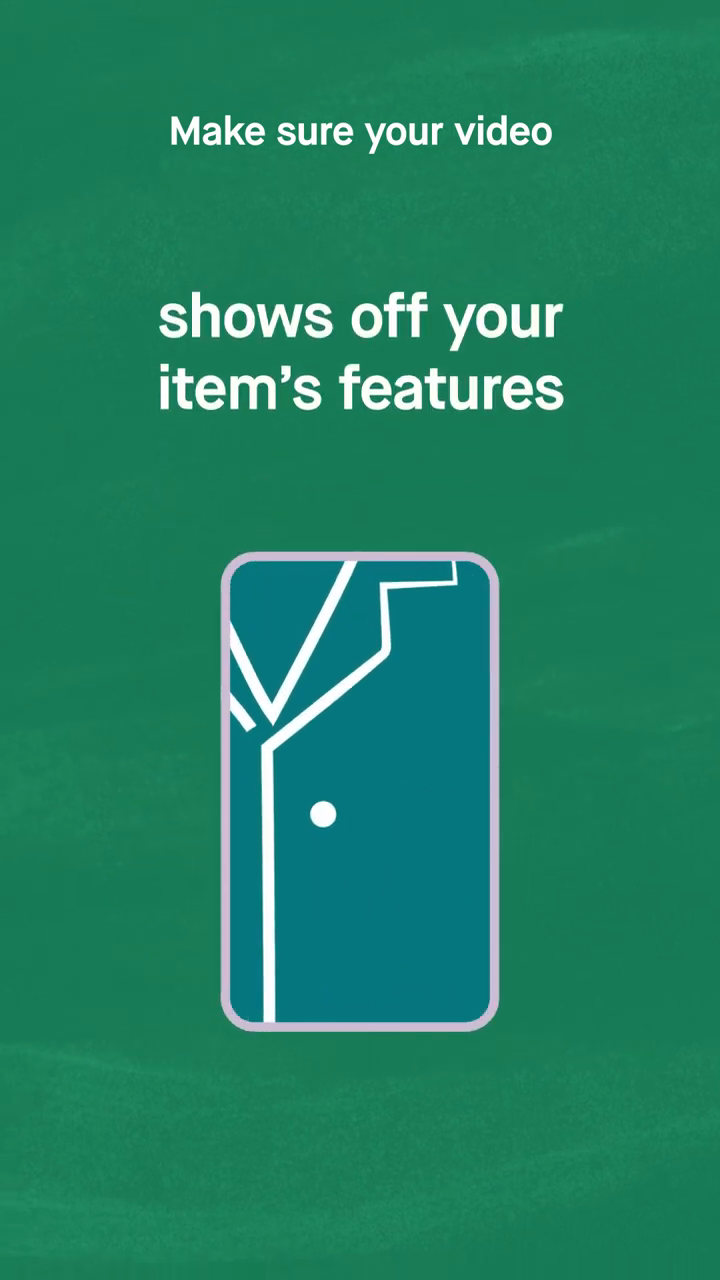
Vinted Close Up: The video should showcase the item's features in detail
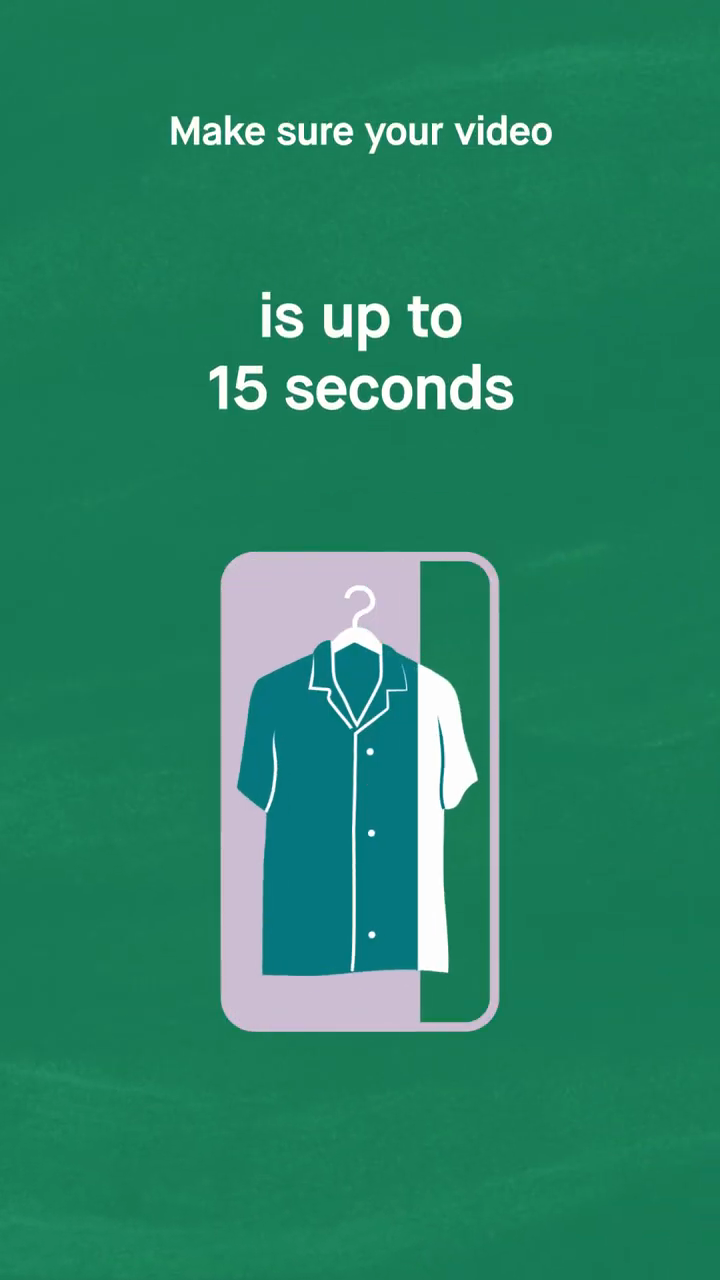
Vinted Close Up: The video must be no longer than 15 seconds
How Are Vinted Close Ups Displayed?
Vinted Close Ups are featured at the top of the app, much like Instagram Stories.

Vinted Close Up: Videos are featured on the Vinted app's home page
The Best Vinted Close Ups to Inspire You
I didn't get access to the Vinted Close Up beta.
That said, certain Vinted listings could really benefit from a video showing the item being worn.
A Close Up is a great way to show how a dress falls or how a pair of trainers look on foot.
It's also a chance to show how several items work together as a complete outfit.
There are plenty of creative ways Close Ups could be used:
- To showcase electrical items and prove they actually work,
- To show off fabrics that a photo simply doesn't do justice
- For long dresses that are impossible to capture fully in a single shot
- To give a 360-degree view of an item
I'm curious to see how Vinties will make the most of this feature.
